Every connected account becomes one portfolio.
Hedgtrade is designed to consolidate supported brokers, sub-accounts and strategy sleeves into one current investment state — positions, unrealized P&L, exposure, risk and attribution — while preserving the ability to drill back down to each underlying account.
*Where supported connected-account data is enabled and available.
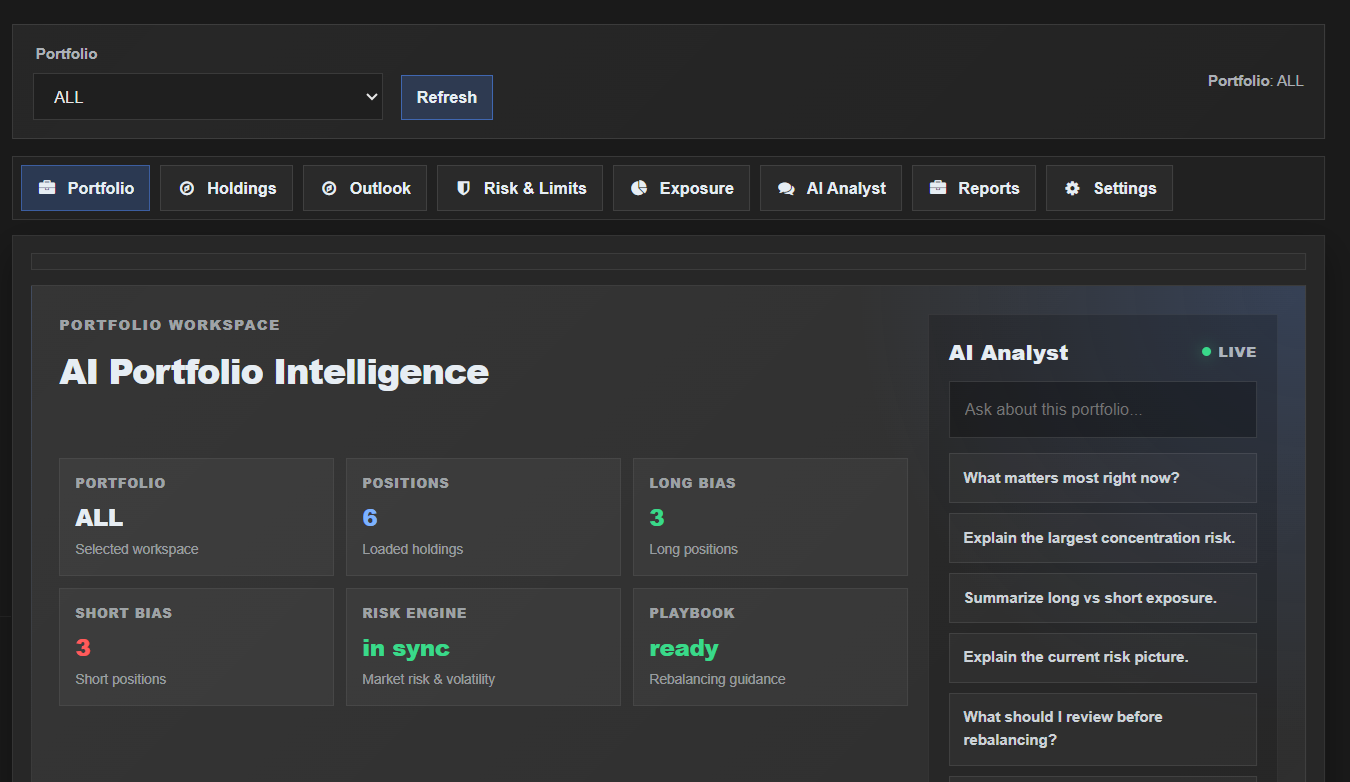
Three brokers should not mean three separate investment realities.
A broker account is an execution container. Hedgtrade builds the portfolio above it by normalizing account data into one reporting and risk model.
Firm / owner view
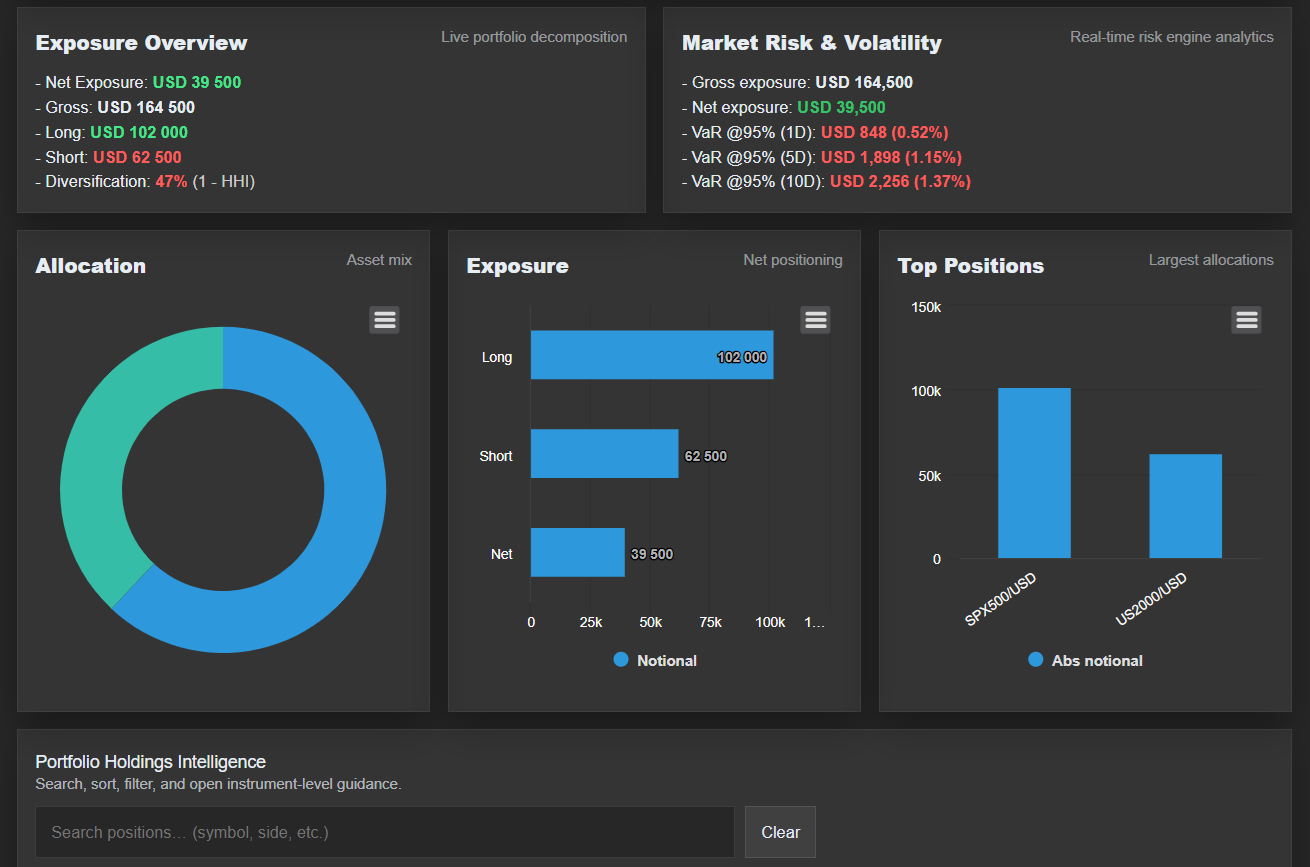
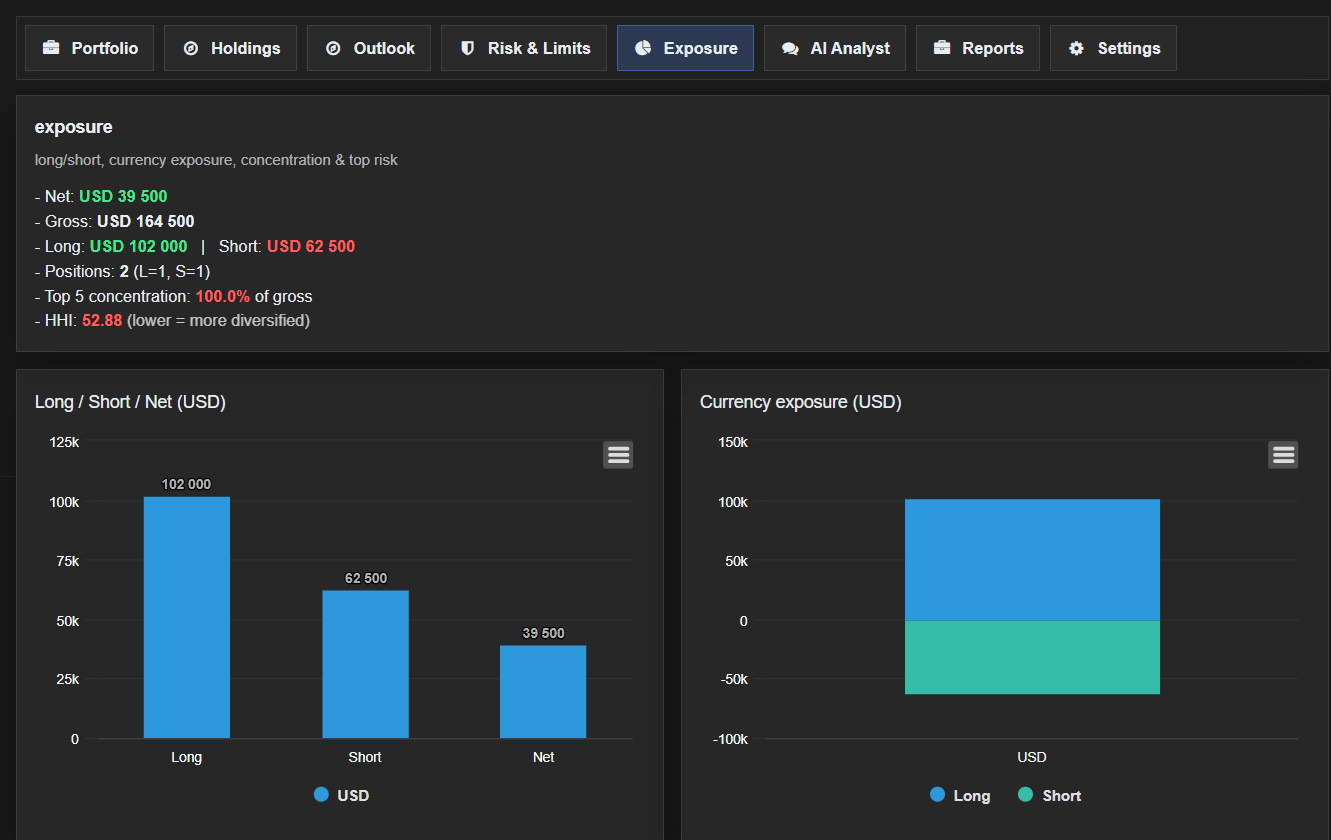
Consolidated NAV, equity, realized and unrealized P&L, gross exposure and portfolio-level risk.
Broker / account view
Drill into each broker, account or sub-account for balance, positions, orders, margin and strategy assignment.
Strategy view
Attribute P&L, exposure and drawdown to systematic strategies, manual sleeves or mandates.
See unrealized P&L across supported brokers at the same time.
Hedgtrade's target architecture maintains separately authorized account contexts concurrently and maps their current state into its own portfolio engine. That means the dashboard can present the combined investment book without a serial workflow of logging into one broker, extracting data, logging out and moving to the next.
- Open positions across connected accounts
- Unrealized P&L by position, account and portfolio
- Working and pending orders where available
- Balance, equity and margin context where available
- Consolidated reporting currency
- Continuous event-driven updates plus reconciliation
Account identity and permissions stay distinct even when the portfolio view is consolidated.
Different broker symbols can still represent the same portfolio risk.
Broker-specific symbols, contract conventions and account structures are translated into a common Hedgtrade instrument model. The portfolio can then answer the question that matters: what is the combined economic exposure?
Risk should know about every account before the next order is sent.
When the portfolio and execution layers share the same state, risk can move from a retrospective report to an operating control.
- Gross and net exposure limits
- Instrument, strategy and account limits
- Leverage and margin context
- Value-at-Risk and scenario views
- Drawdown and loss thresholds
- Pause / kill controls where execution is enabled
Market intelligence matters more when it knows what you own.
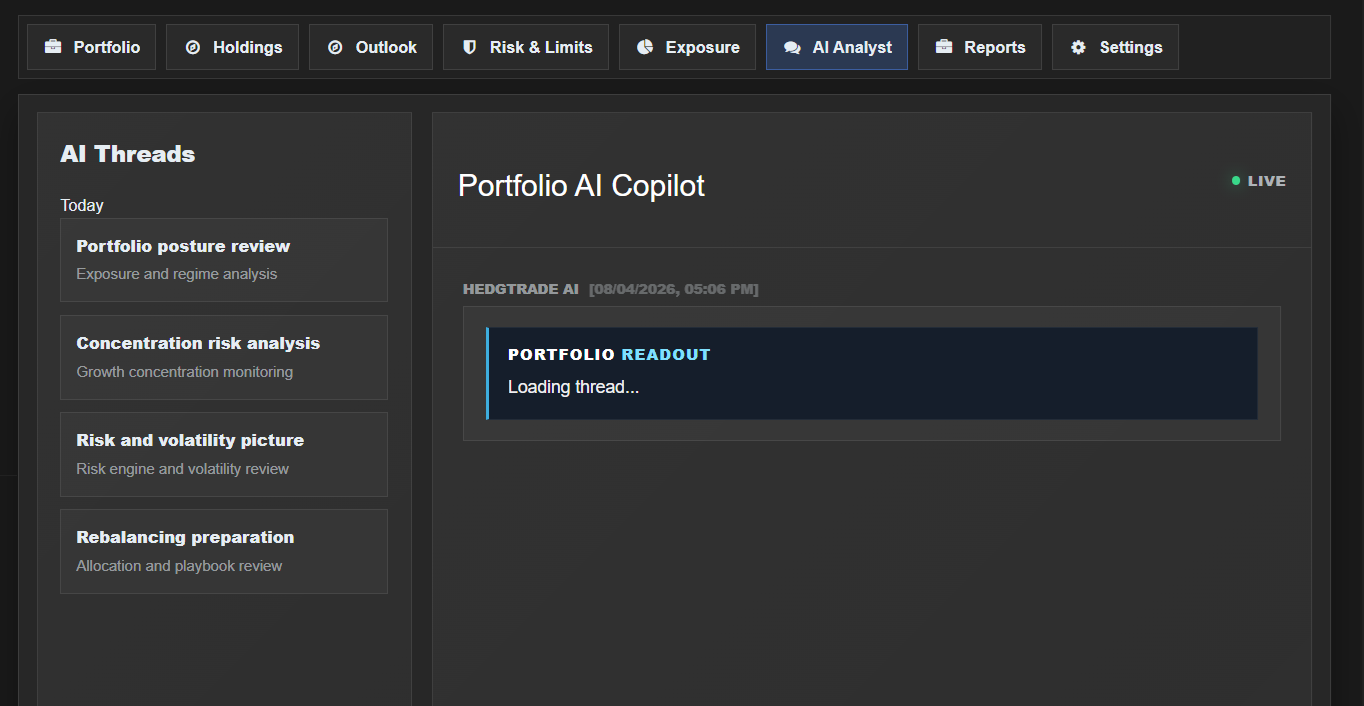
The Hedgtrade intelligence layer can be interpreted against the actual portfolio: where current regimes support or conflict with exposures, where strategy signals overlap, where concentration is building and which positions dominate risk.
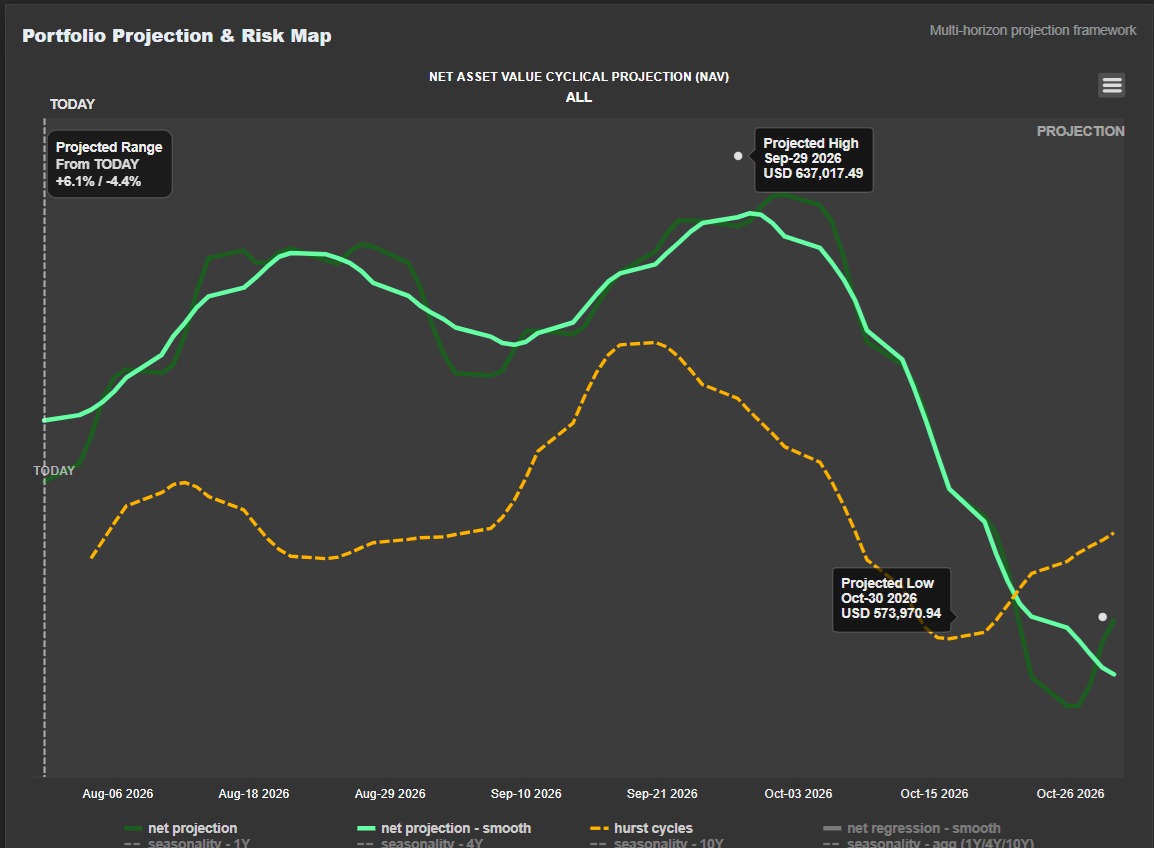
Explore portfolio outcomes without pretending to know the future.
Hedgtrade can combine market frameworks and current positions into conditional portfolio scenarios. These are preparation and risk tools, not promised forecasts.
Portfolio analytics, projections and risk measures depend on available broker data, mappings, market data and assumptions. Connected-account and execution functionality is available only where specifically enabled and authorized. Hedgtrade does not take custody of client assets.